> ## Documentation Index
> Fetch the complete documentation index at: https://docs.usedatabrain.com/llms.txt
> Use this file to discover all available pages before exploring further.
# Translate
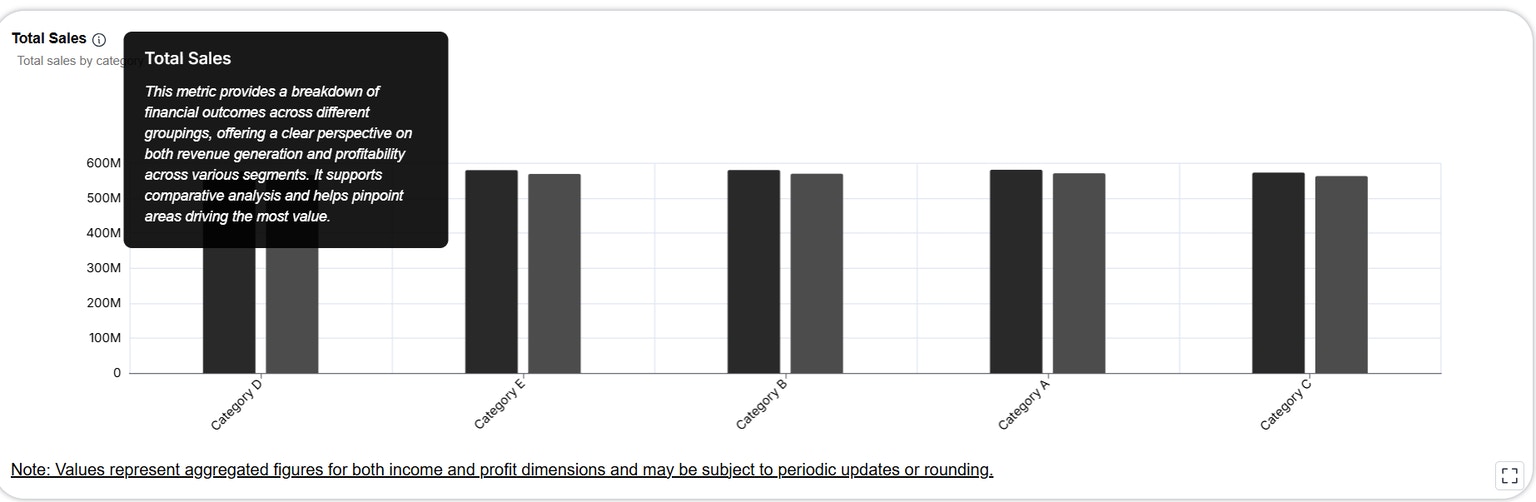
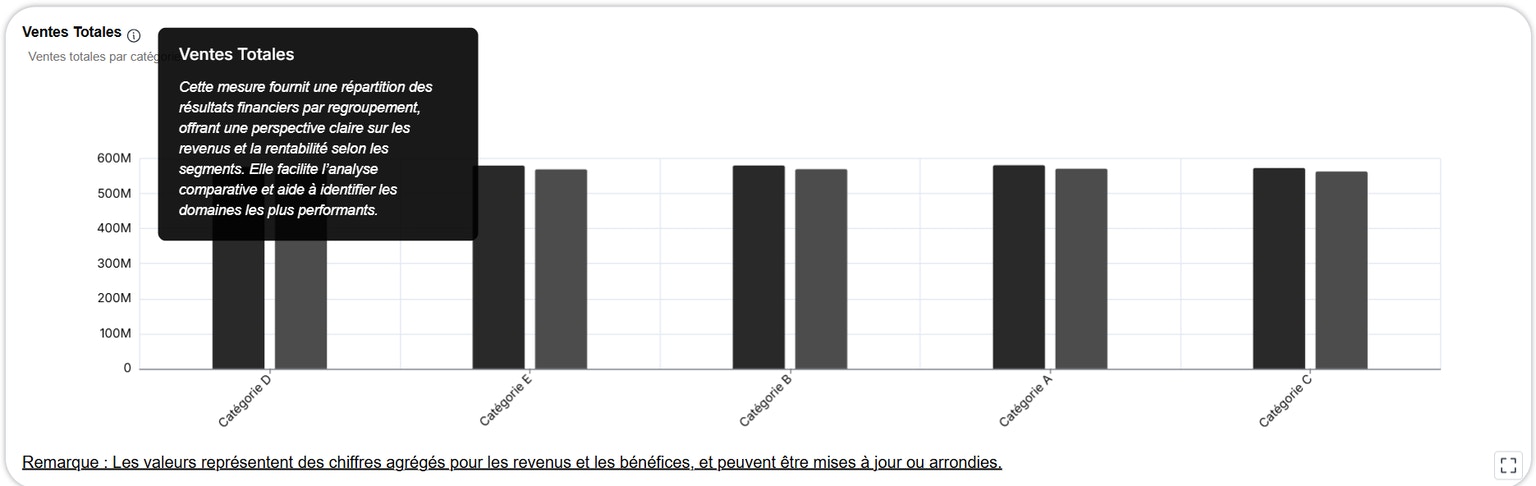
> The plugin components support multilingual translations using the language and translationDictionary props. This allows you to render metric titles, descriptions, and labels in the end user
```html theme={"dark"}
```
### `translation-dictionary` Format
The `translation-dictionary` is a simple object where:
* Each **key** matches the exact text you want to translate (e.g., metric title, subtitle, label).
* Each **value** is an object with translations in various language codes (`en`, `fr`, `es`, etc.).
* **Longer and more descriptive keys should be placed first** to ensure they're matched before shorter or nested ones.
Example:
```javascript theme={"dark"}
const translationDictionary = {
"Total Sales and Total Profit by Category": {
en: "Total Sales and Total Profit by Category",
fr: "Ventes totales et bénéfices totaux par catégorie",
de: "Gesamtumsatz und Gesamtgewinn nach Kategorie",
// ...
},
"This metric provides a breakdown of financial outcomes across different groupings...": {
en: "This metric provides a breakdown of financial outcomes across different groupings...",
fr: "Cette mesure fournit une répartition des résultats financiers...",
// ...
},
"Note: Values represent aggregated figures...": {
en: "Note: Values represent aggregated figures...",
fr: "Remarque : Les valeurs représentent des chiffres agrégés...",
// ...
},
"Total Sales": {
en: "Total Sales",
fr: "Ventes Totales",
// ...
},
"Sum of Profit": {
en: "Sum of Profit",
fr: "Somme du bénéfice",
// ...
},
"Category": {
en: "Category",
fr: "Catégorie",
// ...
},
"Sales": {
en: "Sales",
fr: "Ventes",
// ...
},
"Product": {
en: "Product",
fr: "Produit",
// ...
}
};
```
Important Guidelines
* 🔑 **Keys must match exactly**: The keys in `translation-dictionary` must exactly match the text in your dashboard configuration (e.g., metric titles, chart subtitles, dynamic labels).
* 🧠 **Prefer longer keys first**: If multiple keys are substrings of each other, always define and check the longer, more descriptive one first.
* 🌐 **Add all relevant labels**: Include all chart titles, subtitle blocks, footnotes, and section labels that might appear in a rendered dashboard.
Fallback Behavior
If a translation is **missing** for a given key/language:
* The system will **fall back** to the original key.