> ## Documentation Index
> Fetch the complete documentation index at: https://docs.usedatabrain.com/llms.txt
> Use this file to discover all available pages before exploring further.
# Edit tenancy
> This guide provides a straightforward approach to modifying tenancy settings within a datasource connection.
* In the **"Data"** tab, spot the three dots next to a datasource connection and click on it.
* From the dropdown, select **"Edit Tenancy"**.
 * In the window that opens up, you'll find all the options you need to tweak your tenancy settings.
* After making the necessary adjustments, ensure you hit the **"Complete"** button.
* This step locks in your updated organization settings, readying them for action.
* In the window that opens up, you'll find all the options you need to tweak your tenancy settings.
* After making the necessary adjustments, ensure you hit the **"Complete"** button.
* This step locks in your updated organization settings, readying them for action.
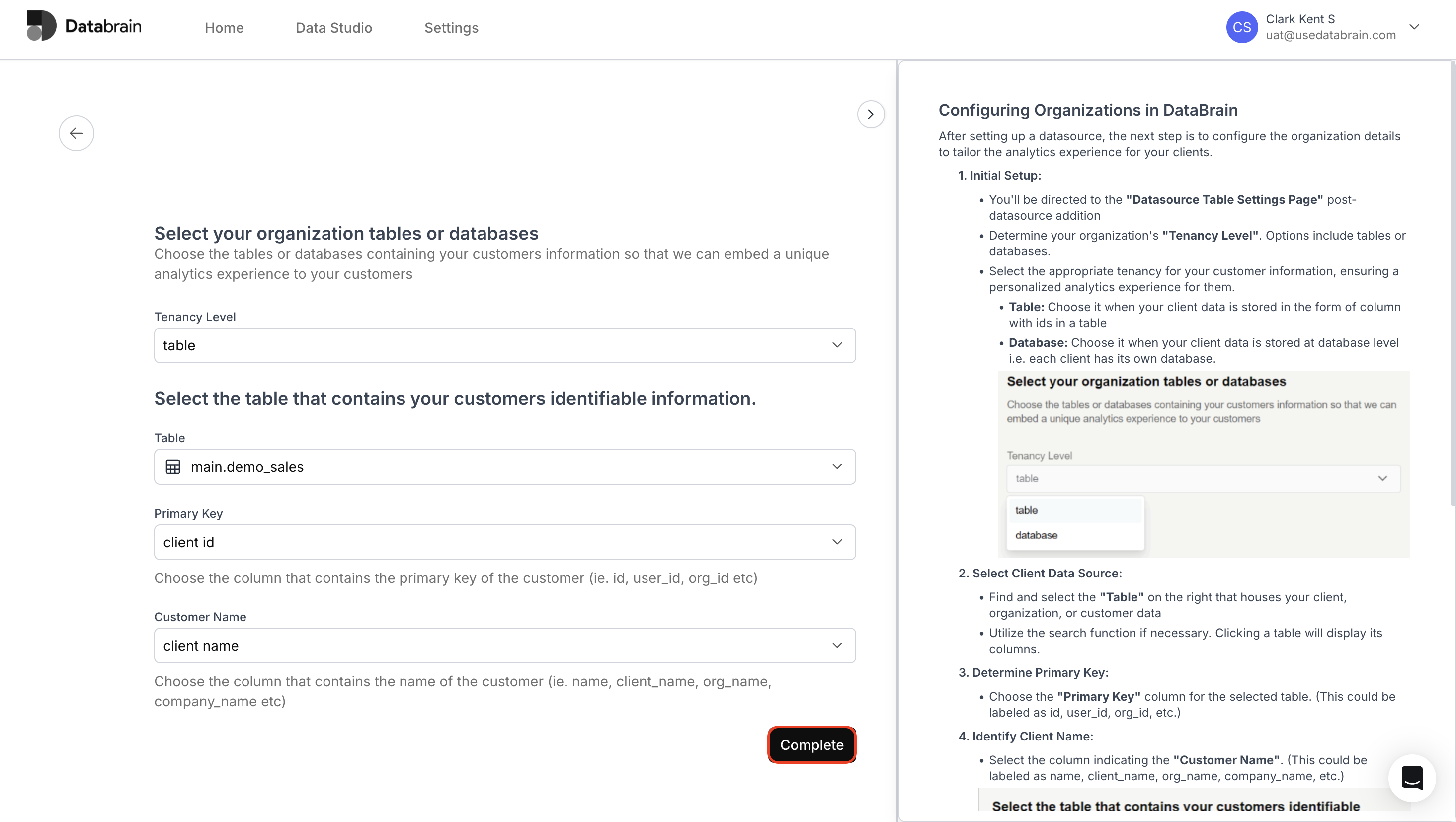 Tenancy settings have been successfully updated. Your data source is now aligned with the latest configuration, ensuring accurate organization-level data segregation and access control.