> ## Documentation Index
> Fetch the complete documentation index at: https://docs.usedatabrain.com/llms.txt
> Use this file to discover all available pages before exploring further.
# AI Summary
> This guide provides a straightforward method for utilizing AI to generate concise summaries of metrics from your dashboard.
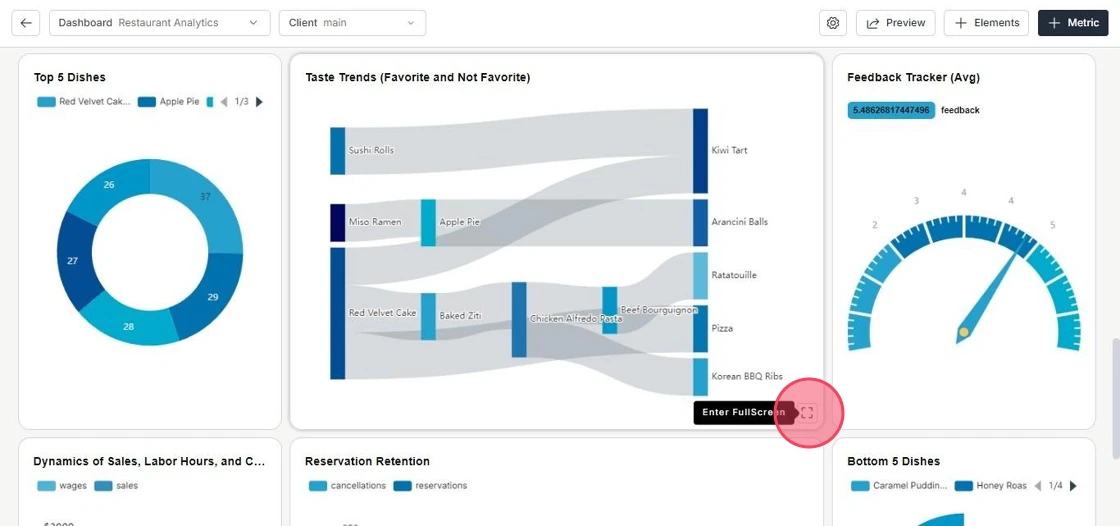
1. **View the Metric**
Open the dashboard and select the metric you want to explore in full screen mode.
 2. **Generate AI Summary**

Click on the **AI Insights** icon next to the download option. The AI will display a summary of the metric.\
To copy the summary, simply click **Copy**.
2. **Generate AI Summary**
Click on the **AI Insights** icon next to the download option. The AI will display a summary of the metric.\
To copy the summary, simply click **Copy**.