

Account
Manage your company profile
Set your company name and logo, choose how you use Databrain, see your plan, or ask to delete the company.
Go to Settings > Account and select the Company tab.
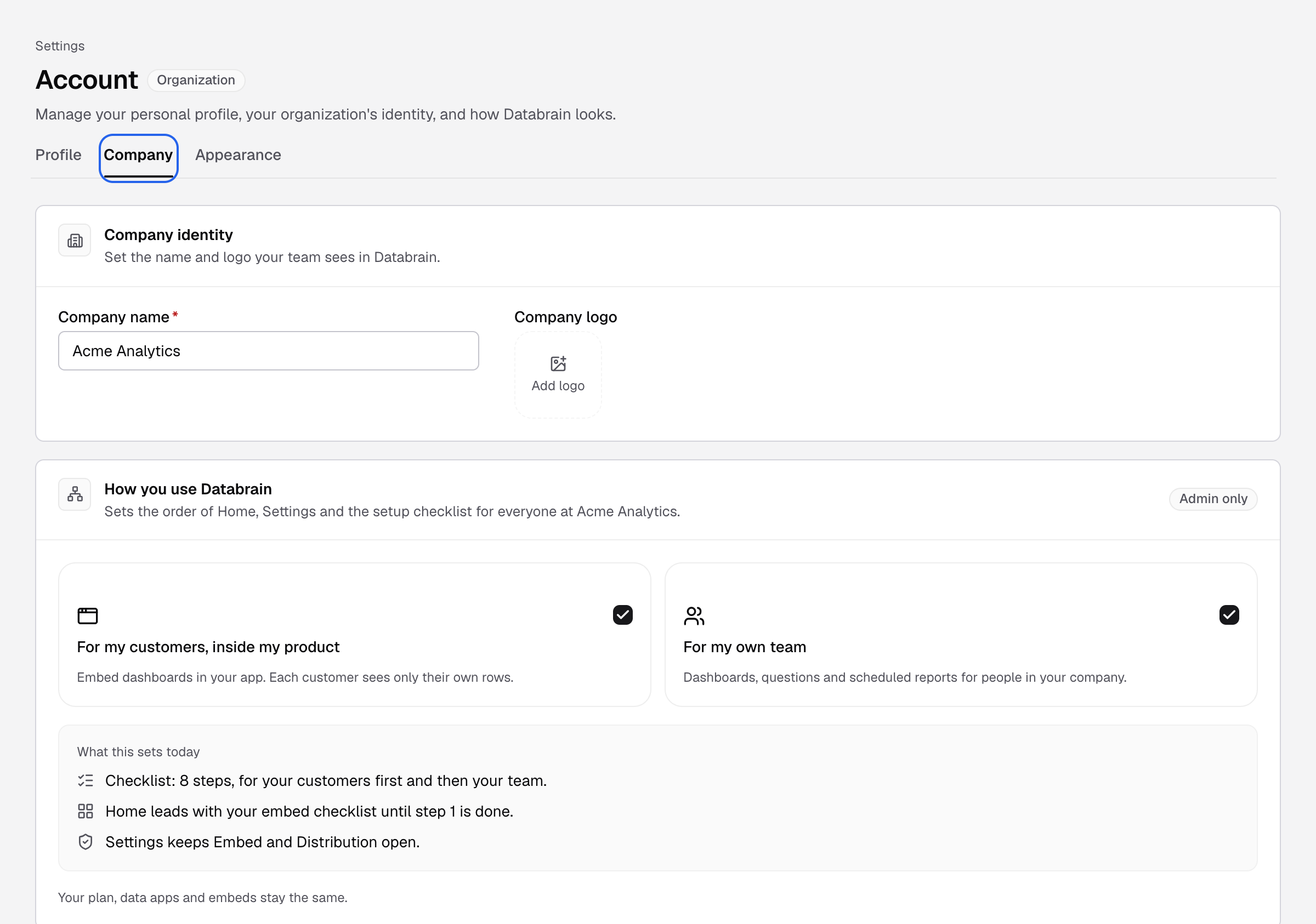
Before you start
- To change the company profile, your role has the Company profile Edit permission. Admins have it.
- Only Admins can change How you use Databrain or ask to delete the company.
Change the name or logo
-
Under Company identity, change Company name.
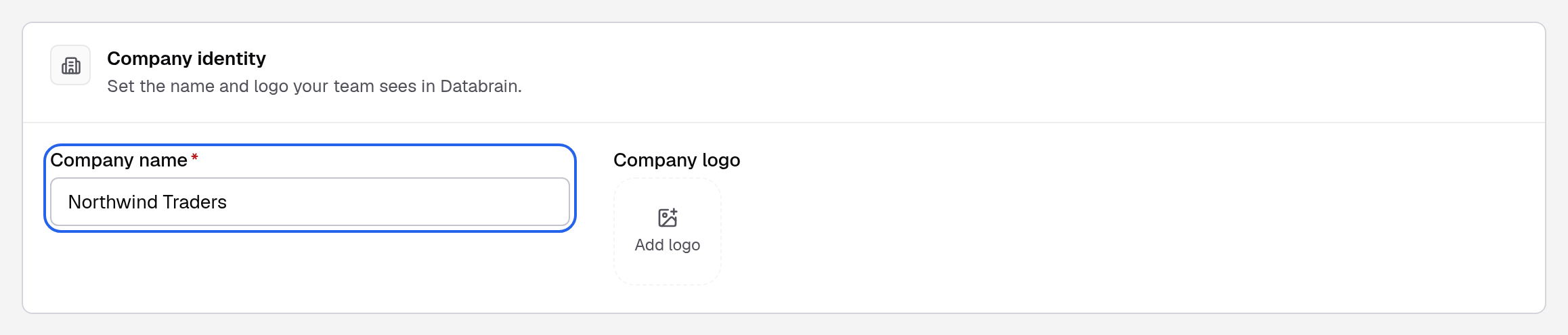
Company name is the first field on the Company tab. -
Select Add logo and pick a square SVG or PNG, up to 1 MB. The logo saves when you pick the file.
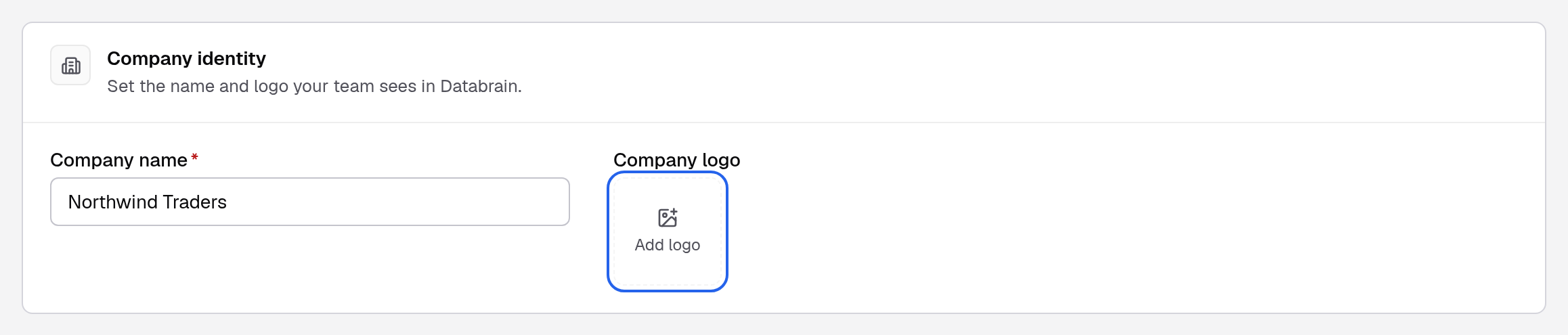
Add logo opens your file picker. -
Select Save changes in the bar at the bottom of the page.

The bar shows as soon as you change the name.
Choose how you use Databrain
Under How you use Databrain, choose whether you embed dashboards in your product, use them with your own team, or both. This sets the order of Home, Settings and the setup checklist for everyone in the company. See Set up Databrain.
See your plan
Plan shows your plan and what it includes. Select Show all to see every capability. See Plans and billing.
Delete the company
After Databrain approves the request, sign-in closes for everyone in the company at once. 7 days later, every dashboard, metric, datasource connection, user and setting is deleted. This cannot be undone.
-
Under Delete company, select Request deletion. If an earlier request was cancelled, the button says Ask again.
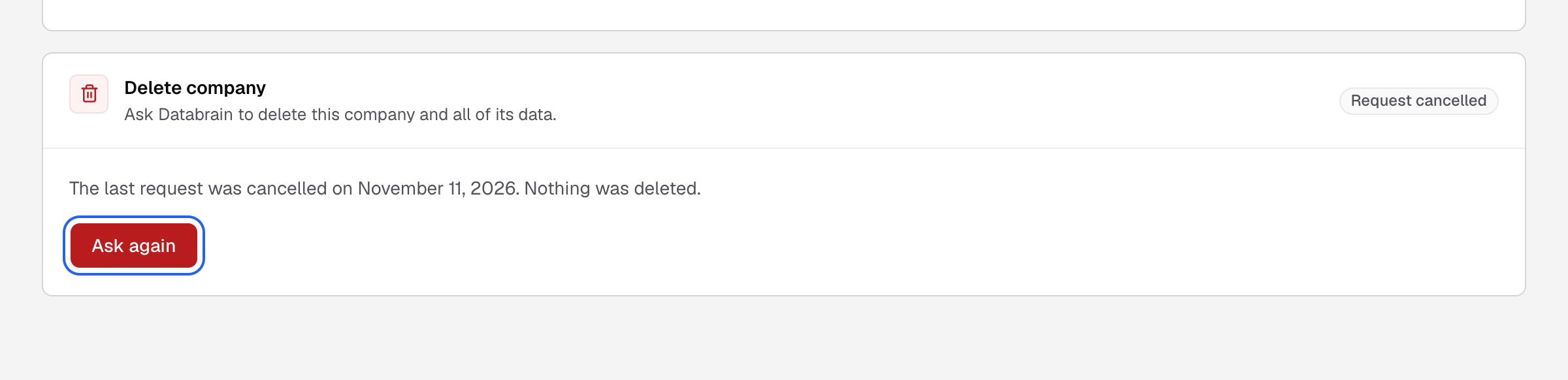
Request deletion, or Ask again after a cancelled request, starts the request. -
Type the company name and enter a reason of 10 to 1000 characters.
-
Select Send request.
The card shows Waiting for review. Nothing is deleted yet. You can select Cancel request until Databrain approves it. After approval, write to support@usedatabrain.com before the deletion date to stop it.
Deleting a company is for Databrain cloud. On a self-hosted install, your team owns the database.
To delete only your own user, use Profile > Delete my user. The last Admin cannot delete their user.