

translation-dictionary Format
The translation-dictionary is a simple object where:
- Each key matches the exact text you want to translate (e.g., metric title, subtitle, label).
- Each value is an object with translations in various language codes (
en,fr,es, etc.). - Longer and more descriptive keys should be placed first to ensure they’re matched before shorter or nested ones.
Example:
- 🔑 Keys must match exactly: The keys in
<InlineCode>translation-dictionary</InlineCode>must exactly match the text in your dashboard configuration (e.g., metric titles, chart subtitles, dynamic labels). - 🧠 Prefer longer keys first: If multiple keys are substrings of each other, always define and check the longer, more descriptive one first.
- 🌐 Add all relevant labels: Include all chart titles, subtitle blocks, footnotes, and section labels that might appear in a rendered dashboard.
Fallback Behavior
- The system will fall back to the original key.
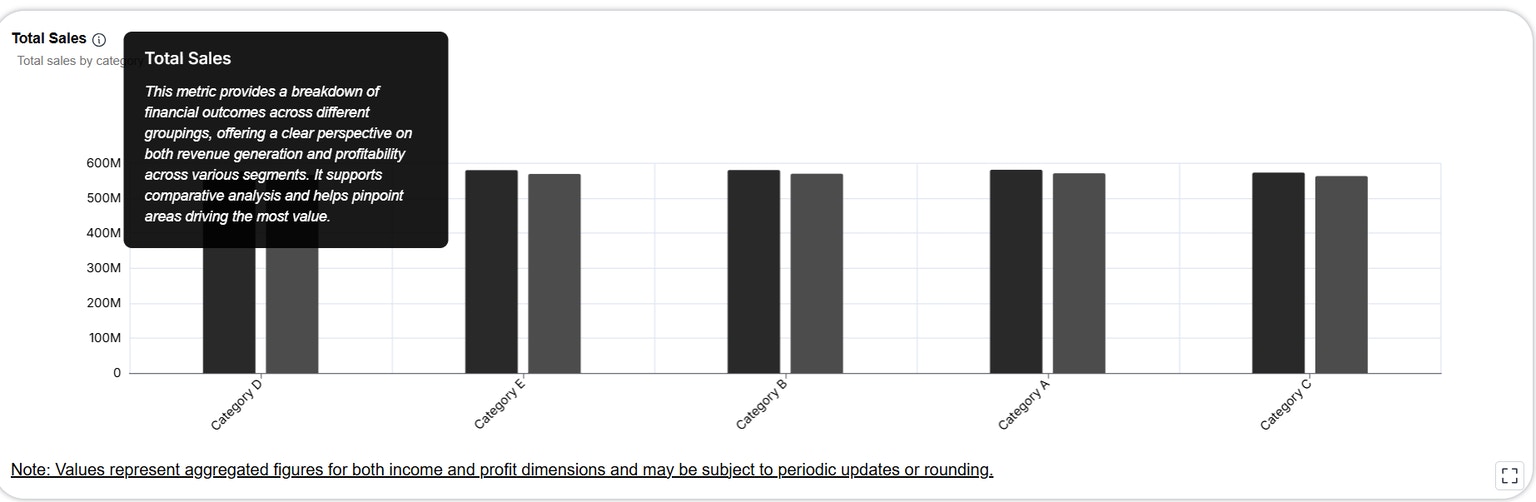
Metric in app
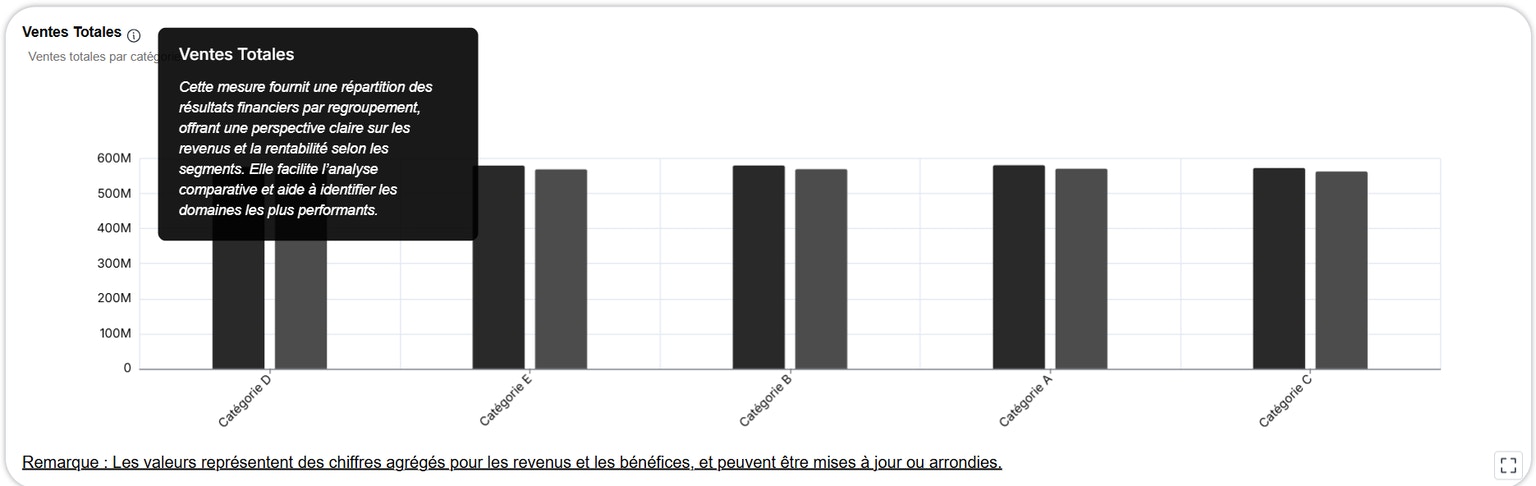
Metric Translated with fr language in embed system